Event Not Found Error When Editing or Viewing AI-Generated Lecture Live
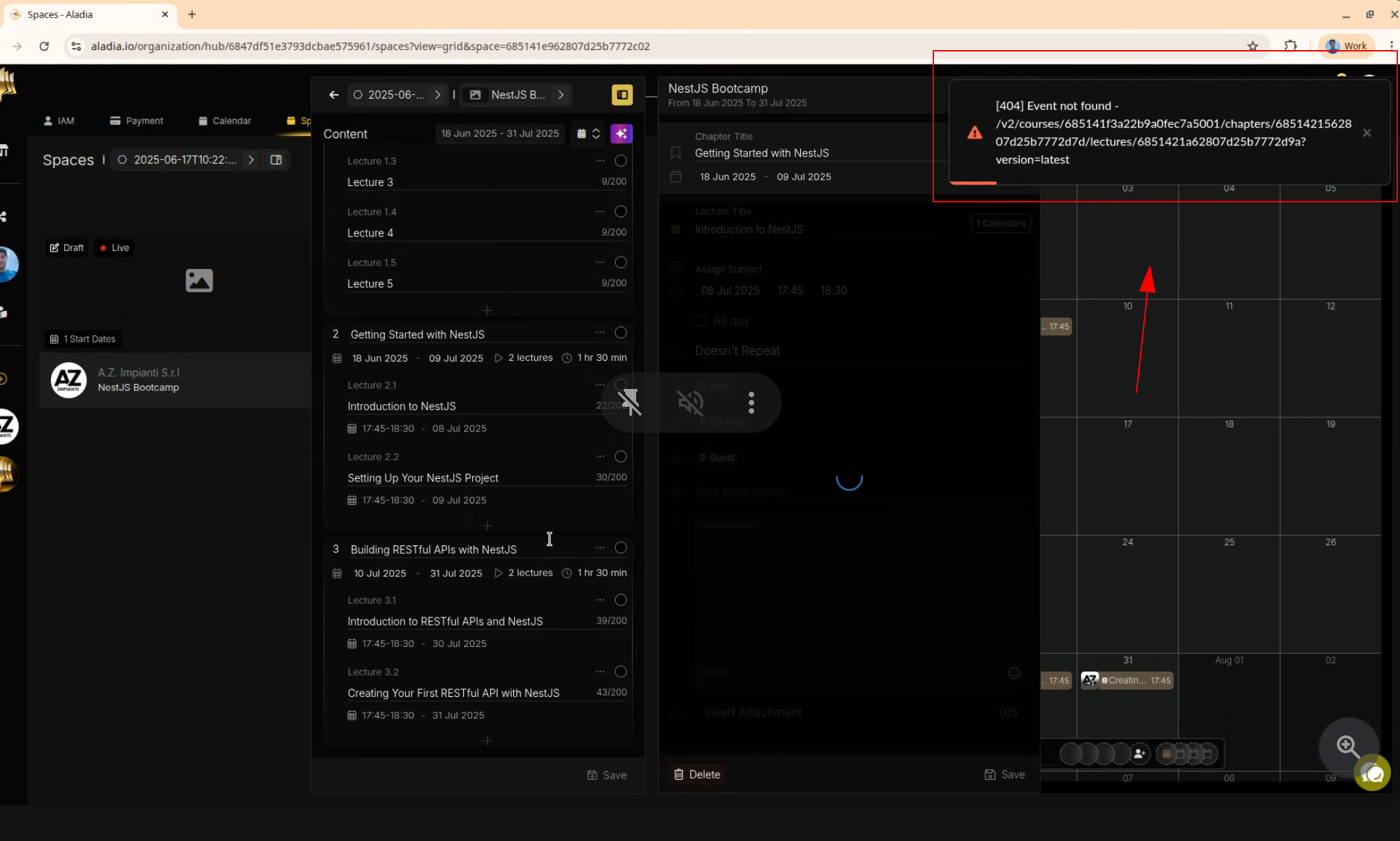
After generating a course using the "Generate with AI" feature, attempting to edit or view details of any lecture results in an error message: "Event Not Found".
Steps to Reproduce:
Generate a course using the "Generate with AI" functionality.
Select option button on a lecture.
Attempt to either edit or view details of that lecture.
Observe the error: "Event Not Found".
Expected Result:
User should be able to view and edit lecture details without any errors.
Actual Result:
An "Event Not Found" error is thrown.
- Domain
- Ai
- Action
- hotfix
- Department
- Backend
Status: Completed
Log in to comment and vote
No comments yet
Be the first to share your thoughts.