December 26th, 2025
New

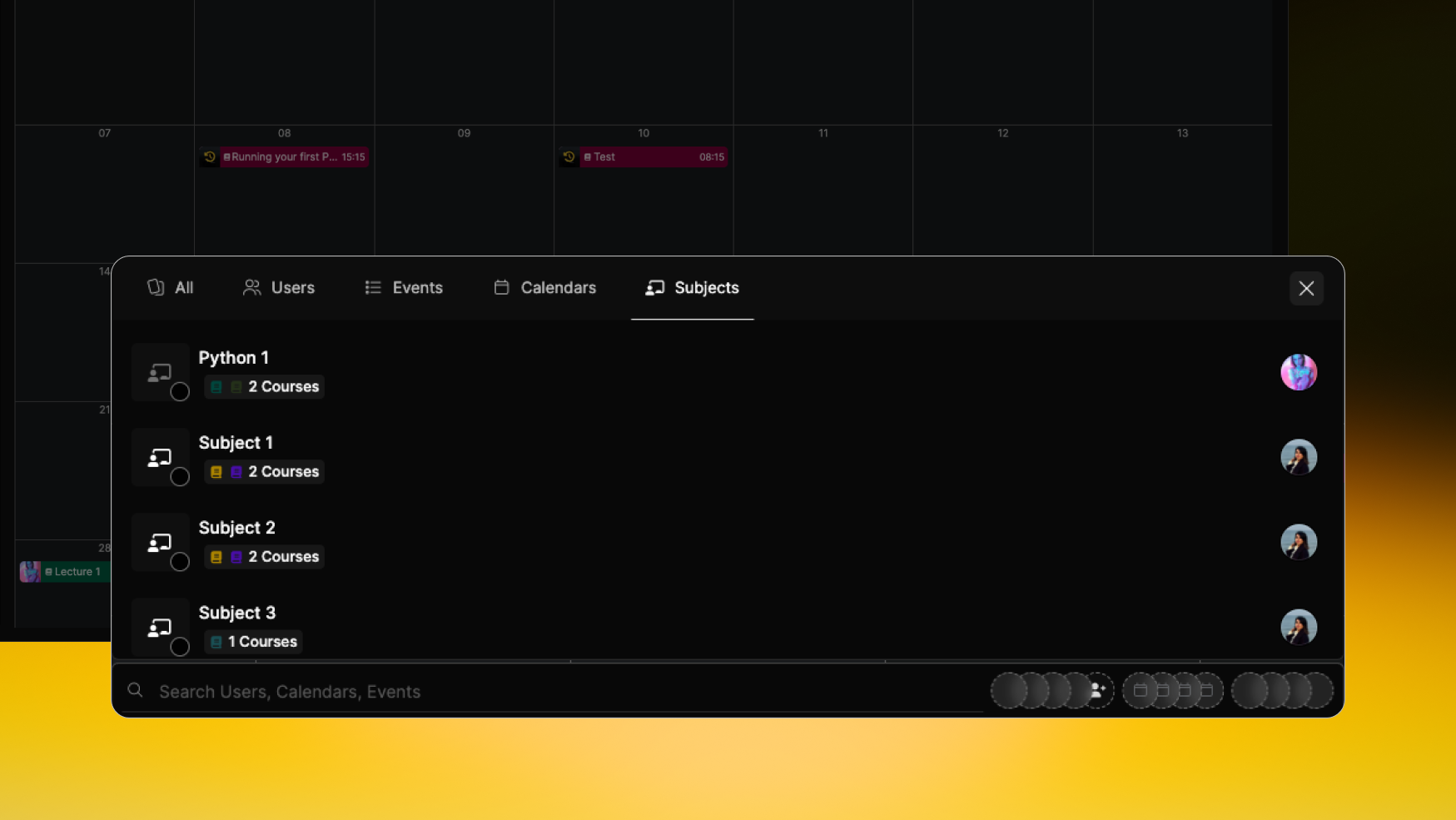
✅ New: Filter by Subject on Calendar
We’re enhancing the calendar experience by adding the ability to filter events based on subject, helping you focus on relevant sessions more easily.
What’s new:
📌 Subject filter – Narrow down calendar events by their assigned subject
📅 Works across views – Filter applies in Month, Week, and List calendar views
🔍 Cleaner, more focused calendars – Quickly isolate the events that matter most to you
🎨 Designed to feel natural and unobtrusive within the calendar UI
This update gives users better control over what they see in the calendar and improves clarity when managing multiple subjects at once.

December 22nd, 2025
Fixed

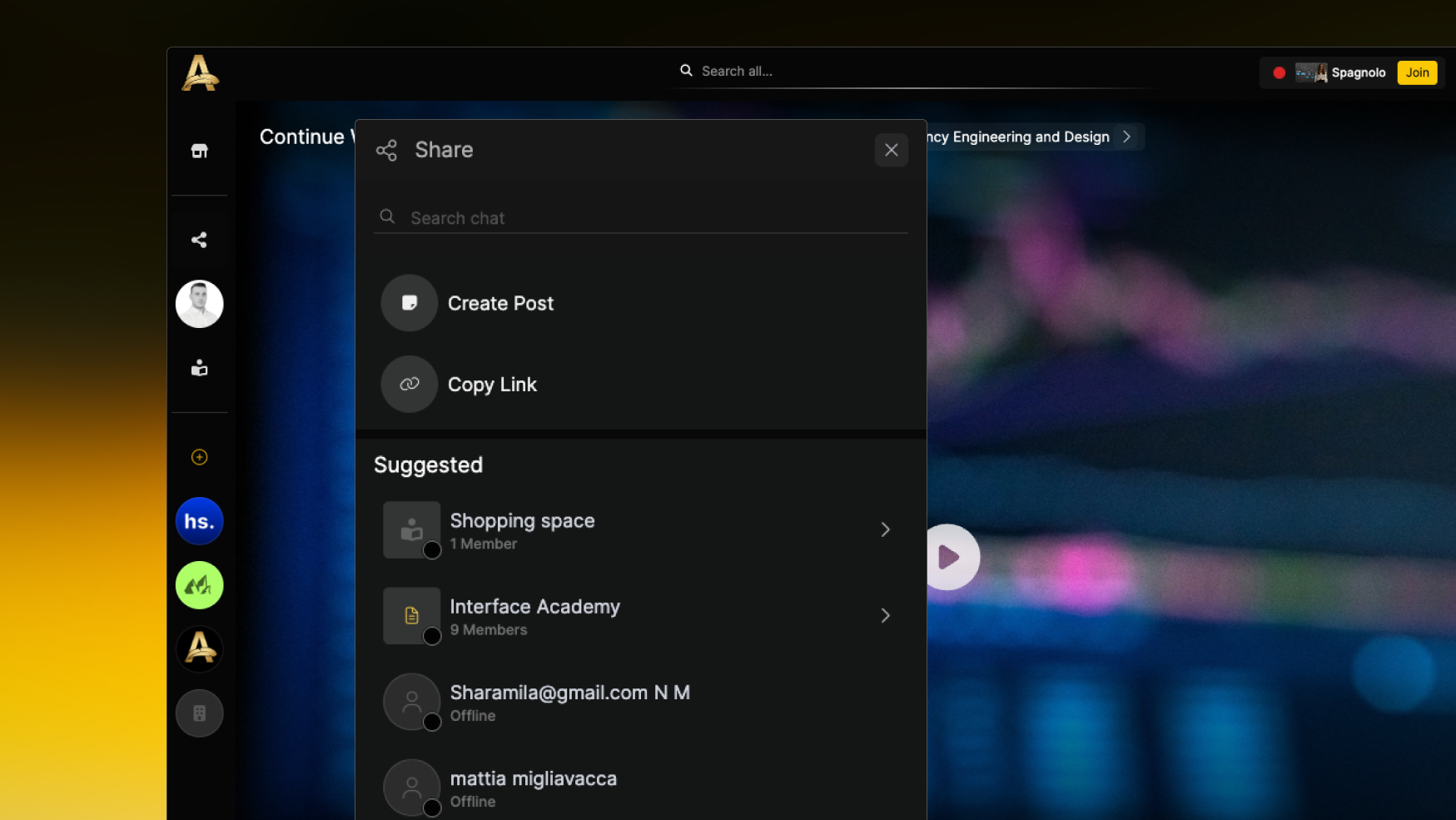
✅ Fix: Share Button on Fruition Page
We’ve addressed an issue where the Share button on the Fruition page wasn’t responding, preventing users from sharing content as expected.
What’s fixed:
🔹 The Share button now triggers the correct action when clicked
🧠 Interactive behavior restored for all supported share methods
📲 Improved feedback so users know their share request was successful
🛠️ Fix applies across course and content share options
This fix ensures that sharing from the Fruition page works reliably, improving content distribution and engagement.

December 3rd, 2025

✅ New: Teacher Absence Management
We’ve introduced a smarter way to handle situations where a teacher can’t attend a scheduled live session, ensuring learning continues without disruption.
What’s new:
👤 Suspend – Mark a lesson as suspended directly from the chapter view.
📆 Reschedule – All Reschedules sync instantly across the session details and affected users. You will get a notification in chat and an email, too.
🛠️ Built for reliability – Prevents gaps in live sessions and maintains a smooth experience for learners.

November 22nd, 2025

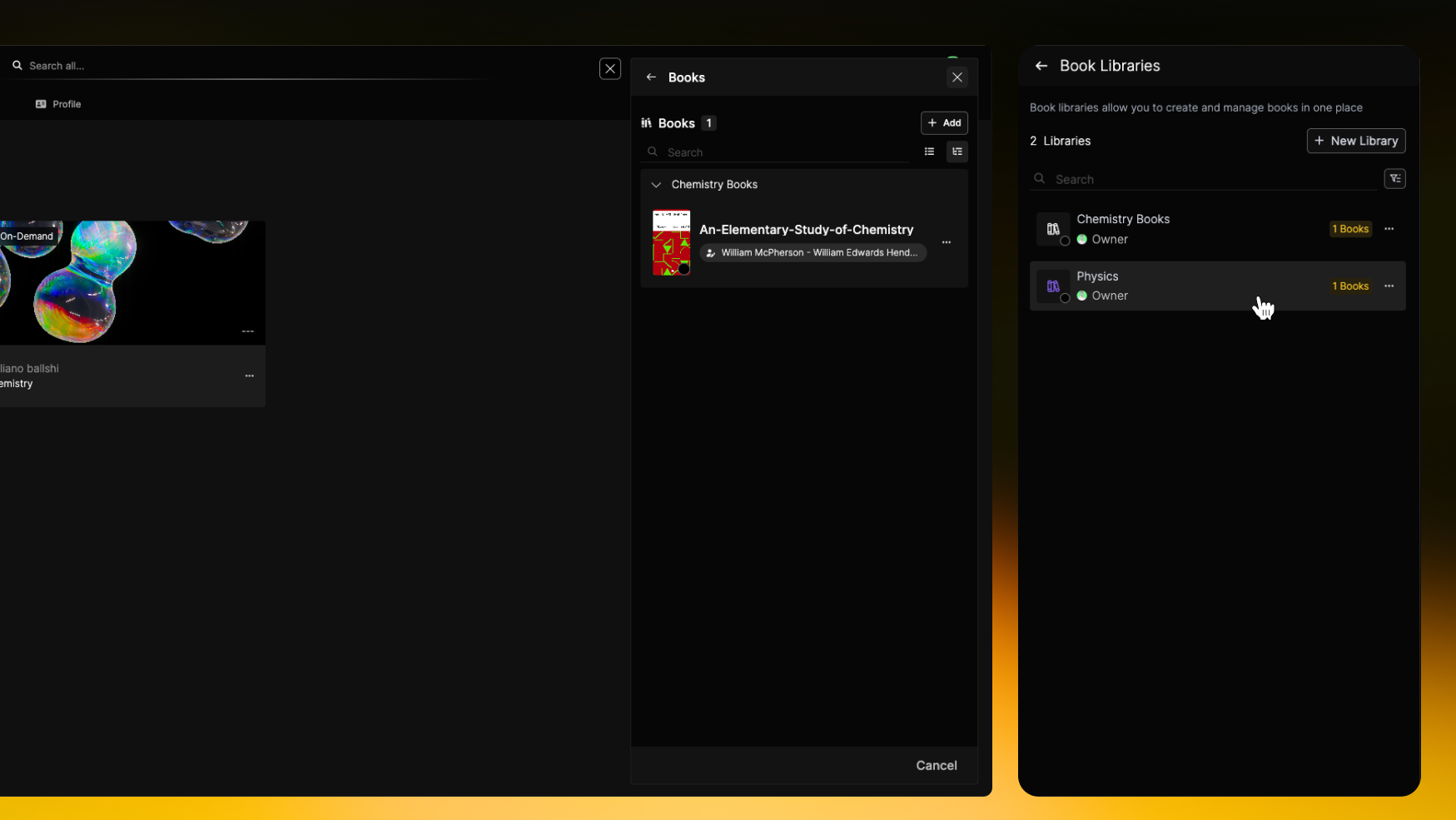
✅ New: Redesigned Universal Subject Library
We’ve completely redesigned and implemented a centralized subject library to streamline the process of selecting and managing subjects across the platform.
What’s new:
📚 A single, universal library is now the source for all subject selections
🎯 Streamlined and intuitive interface for easier browsing and selection
🔍 Improved search and filtering to find the right subjects quickly
♿ Enhanced accessibility for a better experience for all users
⚙️ Simplified management for administrators, all in one place

October 17th, 2025
New
Improved

✅ New: Course Publishing from Calendar Event Popups
We’ve enhanced the process for publishing courses directly through calendar event popups, making it faster and more intuitive.
What’s new:
📅 You can now initiate course publishing right from the event popup in your calendar
🚀 Streamlined UI with clear publish controls embedded in the popup
🔄 All changes sync seamlessly to the main course view without extra navigation
🔗 Insert a link will now be shown in all the other convergent lessons without the need to edit multiple lectures
This update helps you publish courses more efficiently, reducing friction and keeping your workflow smooth.
Learn More here: Calendar

September 11th, 2025
Improved

We’re updating the design of the Info Panel within course views to enhance usability and presentation across the platform.
What’s improved:
🎨 A fresh, modern design for the Info Panel in course screens
🆕 Revamped layout aimed at improving readability, hierarchy, and user experience
📋 More intuitive navigation and information organization, tailored to course needs
🔄 Planned to align with overall UI refreshes across the platform
Read More here: Spaces
We’ve completely upgraded the timeline view to make navigating your work, education, and certifications smoother and more intuitive.
What’s improved:
📑 Three view modes – Choose between List, Card, and Minimal List views for a personalized experience
🎓 Category selector – Easily filter between Work, Education, and Certificates with the new select box
👀 Hover preview – Hover over any experience to see an expanded preview without leaving the timeline
📆 Interactive year selector – Scroll left or right on the bottom year slider to zoom in or out for better control of your timeline view
This update gives you more flexibility, clarity, and control over how you explore your personal and professional journey.
Read More here: Profile
We’re updating the filter logic on the profile pages (Q&A, Review, Courses, Payment, Marketplace and Course Versioning) to make it more intuitive and simplify backend handling.
What’s new:
🔍 Unified filter logic applies across Q&A, Reviews, and Courses, Payment, Marketplace, and Course Versioning sections on the user profile
🧩 Simplification of backend filter rules to reduce complexity and improve performance
🎥 Visual clips provided for each page to guide design & expected behavior (Courses, Q&A, Review)
This change will offer a smoother, more consistent filtering experience and reduce potential inconsistencies across different profile sections.

September 5th, 2025

We’re adding automatic transcription and AI-powered summaries to live lectures, helping learners review and follow sessions more effectively.
What’s new:
📝 Live lectures will now generate transcriptions using the 100ms service
📄 AI-generated summaries will be available so users can quickly catch up or review core points
⚡ Designed for real-time accuracy and high-quality insights
This feature improves accessibility and helps all learners stay engaged by making lecture content easier to revisit and digest.
Read More here: Spaces

August 22nd, 2025
New

✅ New: Animated Browser Tab Notifications
Never miss an update! We’ve introduced animated icons and sound alerts to keep you informed even when you’re multitasking in other tabs.
What’s new:
🔔 Notification badge added to the browser tab icon for new messages
🎵 Sound alert when important updates arrive (like incoming messages)
⚡ Real-time updates powered by WebSocket for instant feedback
This enhancement ensures you stay engaged and notified without constantly checking the page.

August 13th, 2025
Improved

✅ Improved: Text Styling & Formatting Toolbar in Editor
We’ve improved the lecture preview in description to make browsing and accessing lectures easier
What’s new:
🎬 Updated Lecture Preview – On-demand lectures now show a thumbnail and assigned subject, while live courses display an event preview with the scheduled time.
⚡Direct Lecture Access – If the user has purchased the course, clicking a lecture will open the meeting room for live lectures, or play the video for on-demand lectures.
📚 Consistent Subject View – The new preview design is also applied to the Subjects tab for a uniform experience.
✅ Consistent Styling – Formatting applied in the builder now displays correctly on the Fruition page for both course and lecture descriptions.
🎥 Improved Video Experience – Behavior now aligns with industry-standard editors and the lesson video previewer.
This update brings a cleaner, more intuitive editing experience and ensures your content looks exactly how you described it.
Learn more here: Course Fruition Page

August 8th, 2025
New

✅ New: Save & Organize Posts in Your Profile
You can now save posts directly from your social feed and manage them neatly in your profile — making it easier than ever to keep track of content you want to revisit.
What’s new:
🔖 Save any post from the feed with one click
📂 Access all saved posts in a dedicated “Collection” section on your profile
🗂️ Organized display for quick navigation
🎨 Uses our existing saved post design flow for a consistent experience
This update helps you capture valuable posts without clutter, so your favorite content is always just a click away.
Learn More Here: Socials