Course
Written By Aladia Support
Last updated About 1 year ago
This guide outlines the member flows and interactions available on the Organization Course Page. It provides step-by-step guidance on how members can navigate the course section, apply filters, and search for specific courses.
Courses Tab
Navigating to the Course Tab
Access the Organization Page by clicking on the Organization tab in the navigation bar.
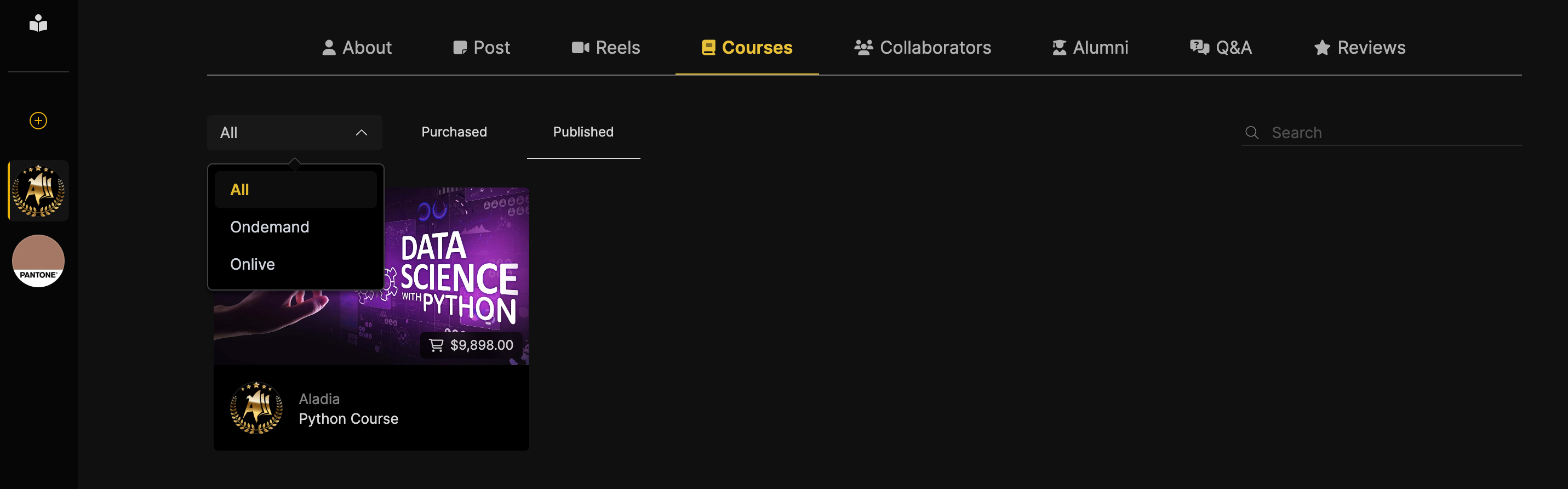
Locate the Courses tab within the organization navigation menu. Click on the Courses tab to access the course section.
Search Courses
Locate the Search Bar on the right side of the page.
Type in keywords related to the Course Title or Instructor.
View dynamically updated results based on the search query.
Filter Results
Select one or more courses from the predefined list.
Enter a Course Title in the search bar within the predefined course list.
Use the dropdown to switch between On-demand and Live courses.
Select Enrolled or Published from the tabs menu.
Members can apply multiple filters (for example: On-demand with Enrolled course).